# gpt-image-2 API
本文介绍 `gpt-image-2` 模型调用 API 的输入输出参数,供您使用接口时查阅字段含义。
---
## 请求参数
### 请求体
| 字段名 | 类型 | 是否必须 | 默认值 | 描述 |
| ------------------- | ------ | -------- | ------------- | -------------------------------------------------------------------------------------------------------------------------- |
| prompt | string | 必须 | - | 提示词 |
| model | string | 必须 | - | 本次请求使用的模型名称,此处为 `gpt-image-2`。 |
| n | int | 可选 | 1 | 生成图片数量,取值范围为 1~10 |
| size | string | 可选 | "auto" | 分辨率。GPT‑image‑2 支持任意分辨率:宽高都必须是 16 像素的倍数;最高支持 3840 像素(4K);宽高比最高支持 3:1;像素总数范围为 655360–8294400。推荐: `1024x1024`、`1024x1536`、`1536x1024`、`2048x2048`、`2048x1152`、`2160x3840`。 |
| quality | string | 可选 | - | 图片质量,支持 `low`、`medium`、`high`;质量越高耗时越长。 |
| output_format | string | 可选 | "png" | 输出图片格式,支持 `png`、`jpeg`。 |
| output_compression | int | 可选 | 100 | 图片压缩强度,取值 0~100;`0` 为不压缩,`100` 为最大压缩。 |
## 响应参数
| 字段名 | 类型 | 描述 |
| ------------- | --------- | ------------------------------------------------------------------------------------------------------------------------------------------------------------------------------------------------------------------------------------------------------- |
| created | `integer` | 本次请求创建时间的 Unix 时间戳(秒)。 |
| data | `array` | 输出图像的信息,包括图像下载的 URL 或 Base64,gpt-image-2模型返回的是base64数据。
• 当指定返回生成图像的格式为 url 时,则相应参数的子字段为 url;
• 当指定返回生成图像的格式为 b64_json 时,则相应参数的子字段为 b64_json。
注意:链接将在生成后 7 天内失效,请务必及时保存图像。 |
| error | `Object` | 错误信息对象 |
| error.code | `string` | 错误码 |
| error.message | `string` | 错误提示信息 |
| error.param | `string` | 请求 id |
## 示例
### OPENAI 兼容接口
`POST https://api.modelverse.cn/v1/images/generations`
#### 同步请求
#### ** curl **
```bash
curl --location 'https://api.modelverse.cn/v1/images/generations' \
--header "Authorization: Bearer $MODELVERSE_API_KEY" \
--header 'Content-Type: application/json' \
--data '{
"model": "gpt-image-2",
"prompt": "a beautiful flower",
"size": "1024x1024",
"quality": "high",
"output_format": "png",
"output_compression": 100
}'
```
#### ** python **
```python
import os, base64
from openai import OpenAI
client = OpenAI(
base_url="https://api.modelverse.cn/v1",
api_key=os.getenv("MODELVERSE_API_KEY", "YOUR_API_KEY")
)
res = client.images.generate(
model="gpt-image-2",
prompt="a beautiful flower",
size="1024x1024",
quality="high",
)
# gpt-image-2 返回 base64 数据
image_b64 = res.data[0].b64_json
raw = image_b64.split(",")[-1] if image_b64.startswith("data:") else image_b64
with open("image.png", "wb") as f:
f.write(base64.b64decode(raw))
print("Saved to image.png")
```
### 图片编辑
`POST https://api.modelverse.cn/v1/images/edits`
gpt-image-2 支持两种编辑模式:
- **局部编辑**:针对单张图片的特定区域进行修改,同时保持其他区域的构图、色调和人物外观一致,避免整体重绘。可配合 `mask` 字段限定编辑区域。
- **多图合成**:传入多张参考图(通过重复字段 `image[]`),模型将所有图片的内容融合为一张新图,适合礼盒组合、产品拼图、场景合成等场景。
使用 multipart/form-data 传参,至少包含待编辑图片 `image`(单图)或 `image[]`(多图,可重复),以及 `model`、`prompt` 等字段;其余参数如 `size`、`quality`、`output_format`、`output_compression` 与生成接口一致。
#### ** curl **
```bash
curl --location 'https://api.modelverse.cn/v1/images/edits' \
--header "Authorization: Bearer $MODELVERSE_API_KEY" \
-F "image=@/path/to/your/image.png" \
-F "mask=@/path/to/your/mask.png" \
-F "model=gpt-image-2" \
-F "prompt=Add a beach ball in the center" \
-F "size=1024x1024" \
-F "n=1" \
-F "quality=low" \
-F "output_format=png" \
-F "output_compression=100"
```
#### ** python **
```python
import os, base64, requests
url = "https://api.modelverse.cn/v1/images/edits"
headers = {"Authorization": f"Bearer {os.getenv('MODELVERSE_API_KEY', '$MODELVERSE_API_KEY')}"}
files = {
"image": ("beach.png", open("beach.png", "rb"), "image/png"),
# 可选:提供 mask 来限定编辑区域
# "mask": ("mask.png", open("mask.png", "rb"), "image/png"),
}
data = {
"model": "gpt-image-2",
"prompt": "Add a beach ball in the center",
"size": "1024x1024",
"n": "1",
"quality": "high",
"output_format": "png",
"output_compression": "100",
}
r = requests.post(url, headers=headers, files=files, data=data)
r.raise_for_status()
resp = r.json()
image_b64 = resp["data"][0]["b64_json"]
raw = image_b64.split(",")[-1] if image_b64.startswith("data:") else image_b64
with open("edit.png", "wb") as f:
f.write(base64.b64decode(raw))
print("Saved to edit.png")
```
#### 多图合成示例
将多张产品图合成为一张礼盒展示图,通过重复字段 `image[]` 传入多张图片:
**输入图片(4 张)**
| body-lotion.png | bath-bomb.png | incense-kit.png | soap.png |
|:---:|:---:|:---:|:---:|
|  | 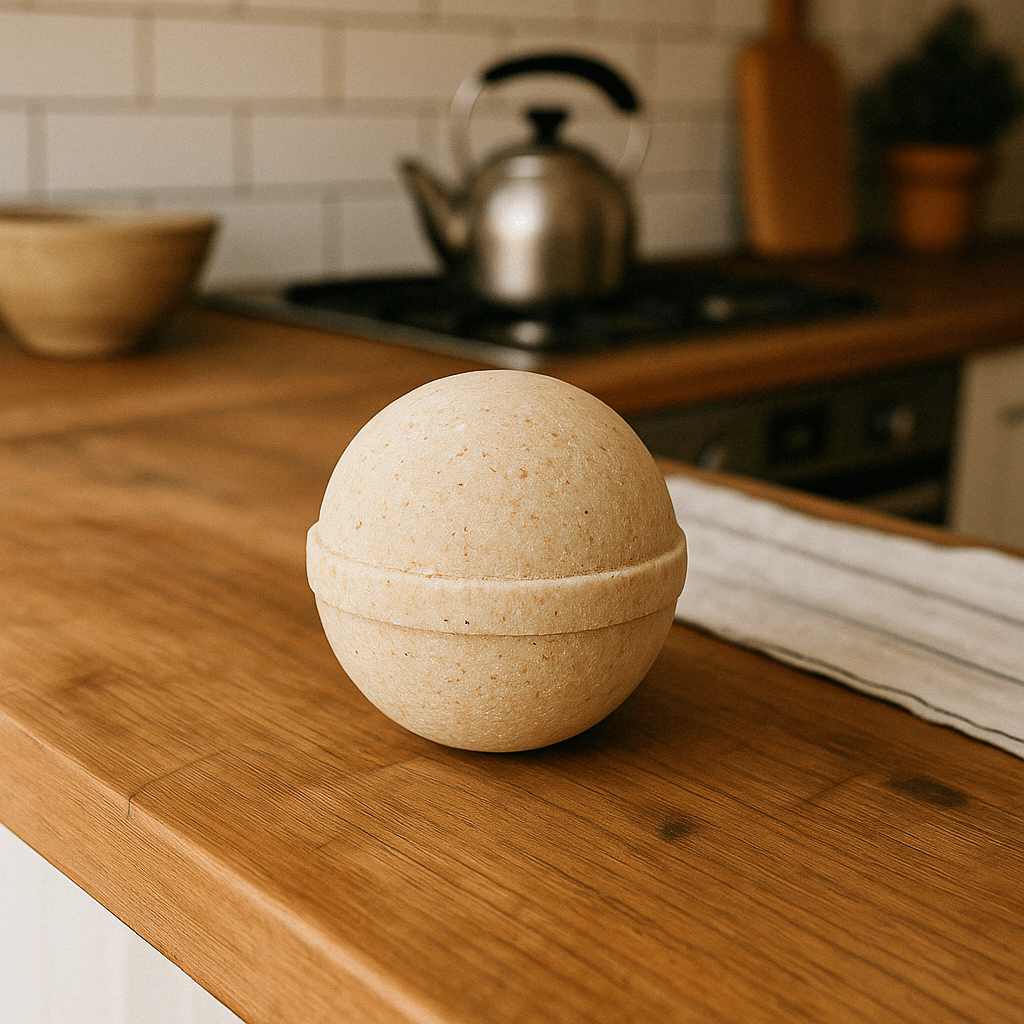 | 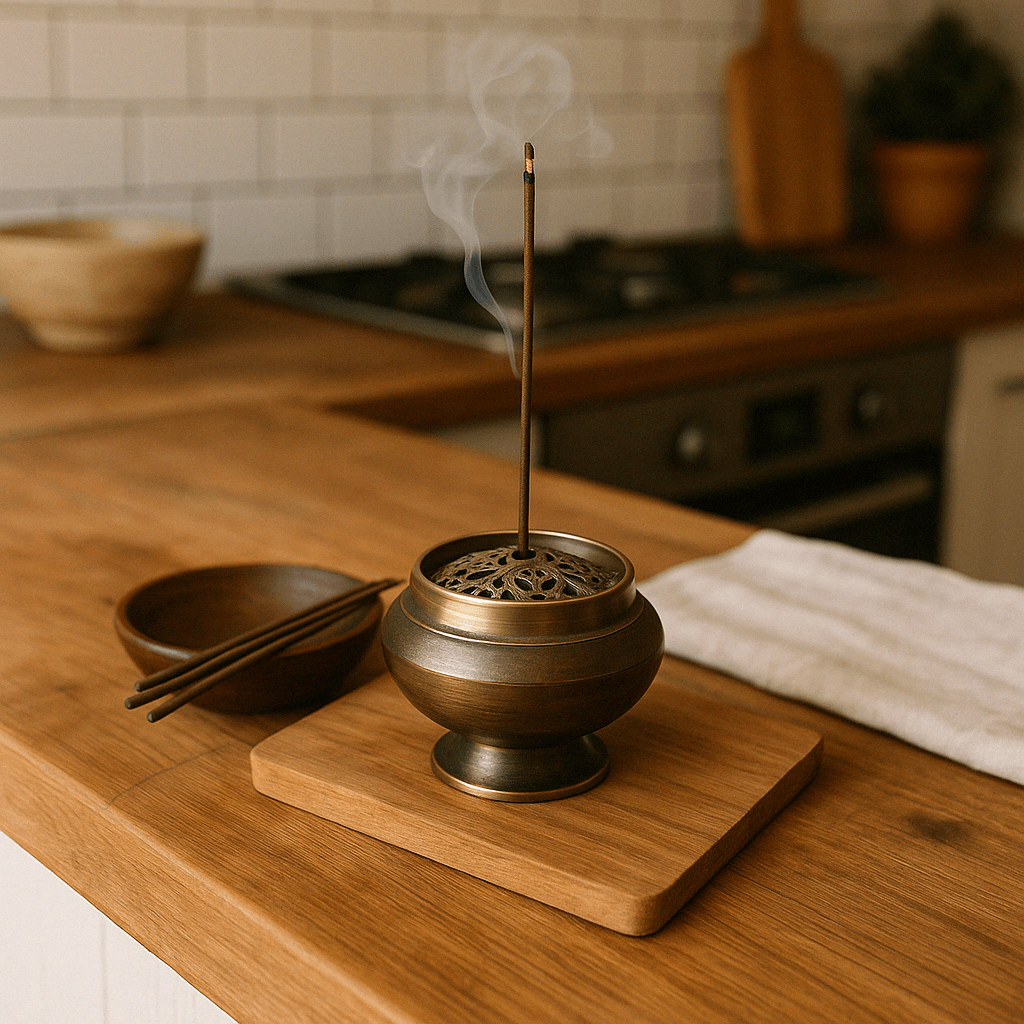 | 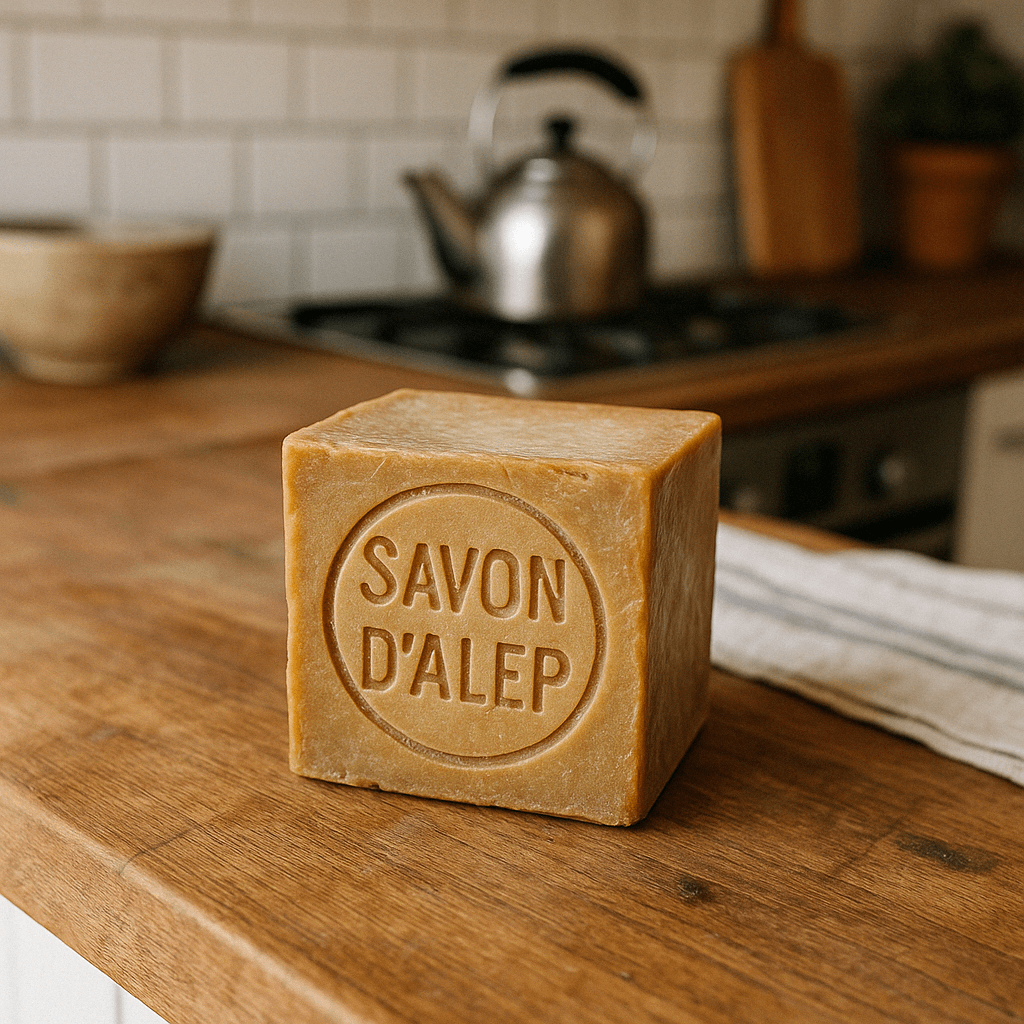 |
**输出图片**

#### ** curl **
```bash
curl --location 'https://api.modelverse.cn/v1/images/edits' \
--header "Authorization: Bearer $MODELVERSE_API_KEY" \
-F "model=gpt-image-2" \
-F "image[]=@./body-lotion.png" \
-F "image[]=@./bath-bomb.png" \
-F "image[]=@./incense-kit.png" \
-F "image[]=@./soap.png" \
-F "prompt=a beautiful gift basket containing all these products arranged elegantly"
```
#### ** python **
```python
import os, base64, requests
url = "https://api.modelverse.cn/v1/images/edits"
headers = {"Authorization": f"Bearer {os.getenv('MODELVERSE_API_KEY', '$MODELVERSE_API_KEY')}"}
image_paths = [
"body-lotion.png",
"bath-bomb.png",
"incense-kit.png",
"soap.png",
]
# image[] 重复字段需用列表形式传入
files = [("image[]", (p, open(p, "rb"), "image/png")) for p in image_paths]
data = {
"model": "gpt-image-2",
"prompt": "a beautiful gift basket containing all these products arranged elegantly",
}
r = requests.post(url, headers=headers, files=files, data=data)
r.raise_for_status()
resp = r.json()
image_b64 = resp["data"][0]["b64_json"]
with open("output.png", "wb") as f:
f.write(base64.b64decode(image_b64))
print("Saved to output.png")
```
> **注意**:多图合成时无需传 `mask`;输出尺寸由模型自动决定,不一定为正方形。
### 响应
```json
{
"created": 1750667997,
"data":
[
{
"b64_json": "{image_base64_string}"
}
],
"usage":
{
"total_tokens": 4169,
"input_tokens": 9,
"output_tokens": 4160,
"input_tokens_details":
{
"text_tokens": 9
}
}
}
```
```json
{
"error": {
"message": "error_message",
"type": "error_type",
"param": "request_id",
"code": "error_code"
}
}
```